Most Android programming is in Java. I intend to go over the Java jMonkeyEngine3 gaming library later. It is a 3D library. However, it is important to have understand Java skills before that.
I will post the tutorials at Java Programming Tutorials.
Thursday, August 7, 2014

Tuesday, August 5, 2014
57. Accordion
The Accordion offers dividers to select between different screens.
The Accordion widget is used for the root. The App class is needed for any application.
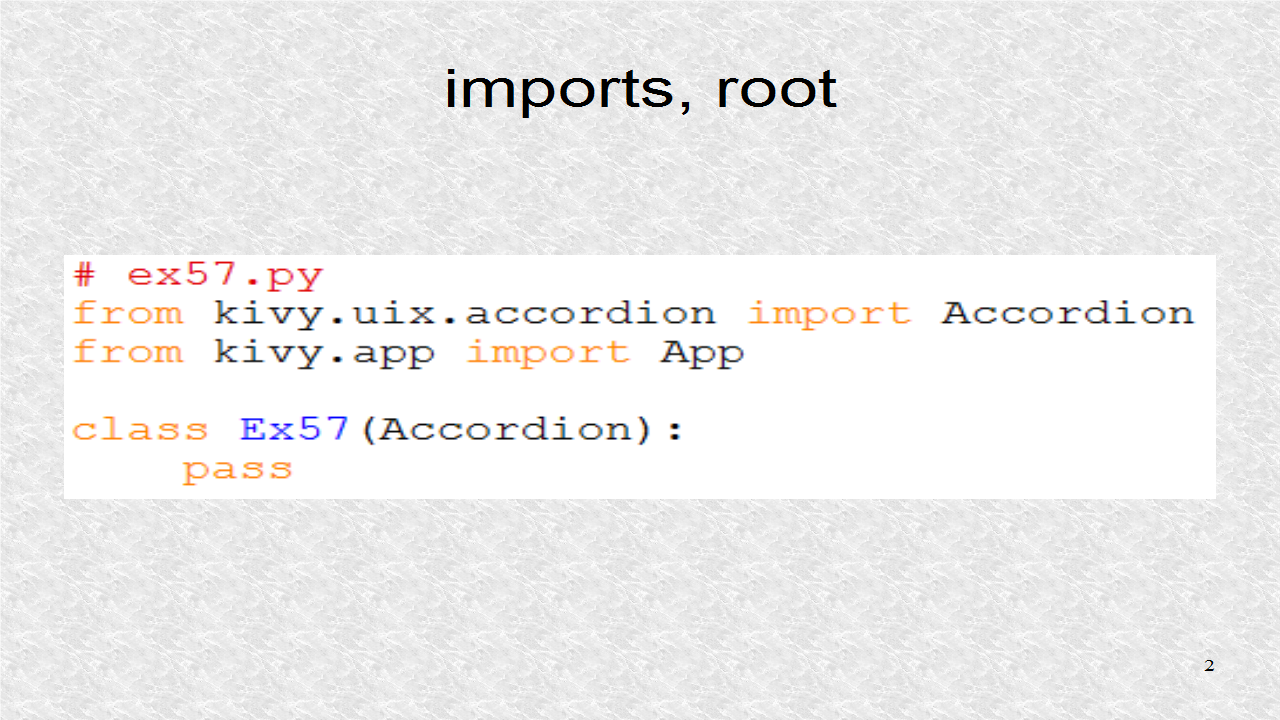
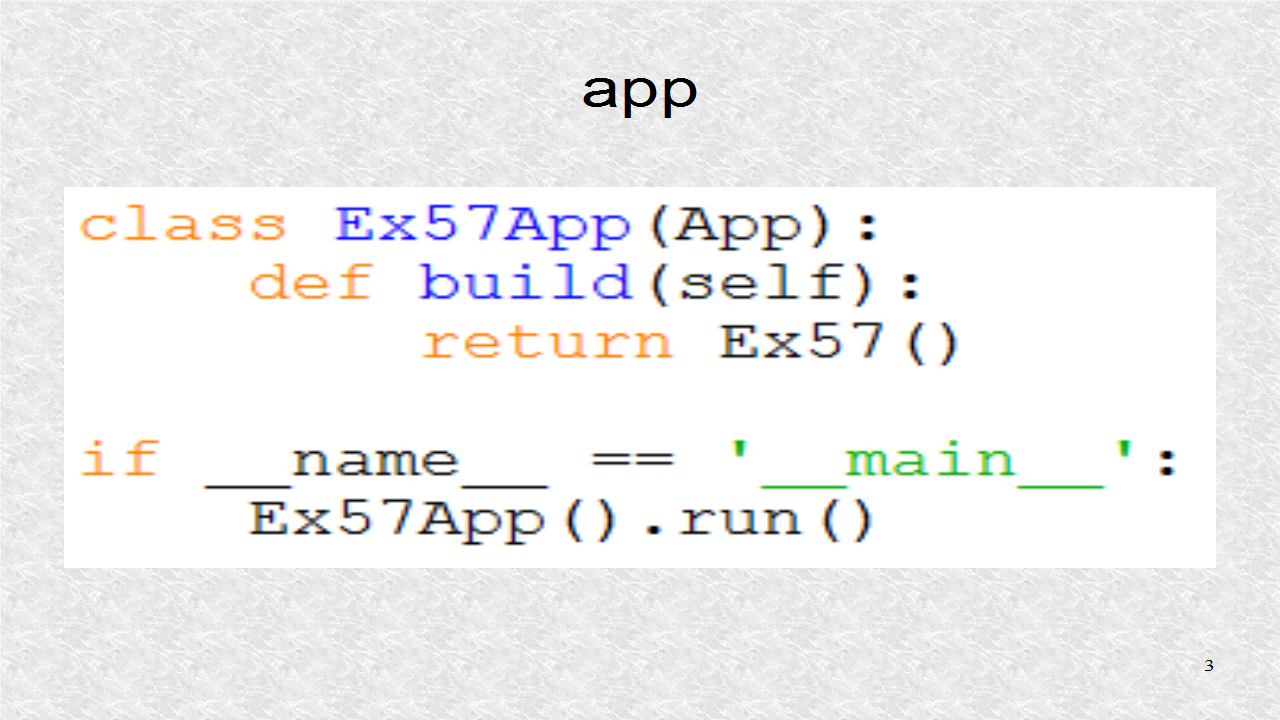
We have to have a subclass of the App class.
# ex57.py
from kivy.uix.accordion import Accordion
from kivy.app import App

class Ex57(Accordion):
    pass

class Ex57App(App):
    def build(self):
        return Ex57()

if __name__ == '__main__':
    Ex57App().run()
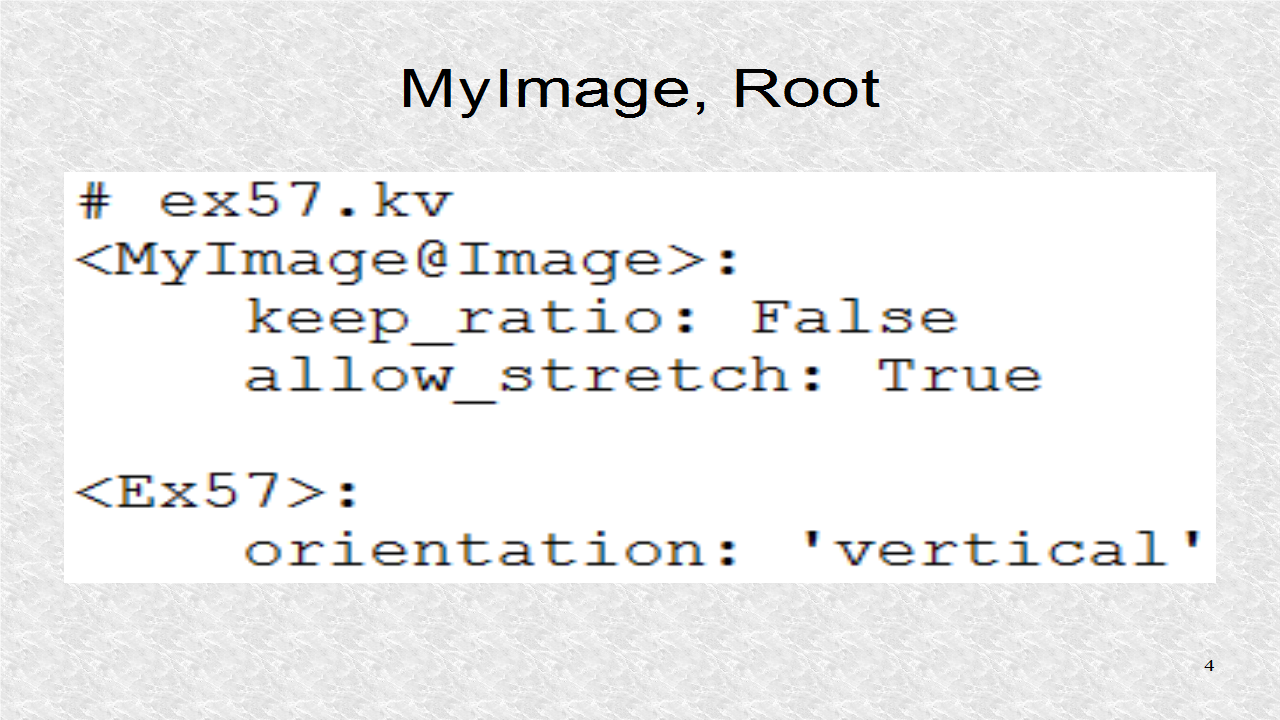
In the kv file, the MyImage dynamic class is created and it allows for a stretchable image. The orientation of the Accordion is 'vertical'. The default is 'horizontal'.
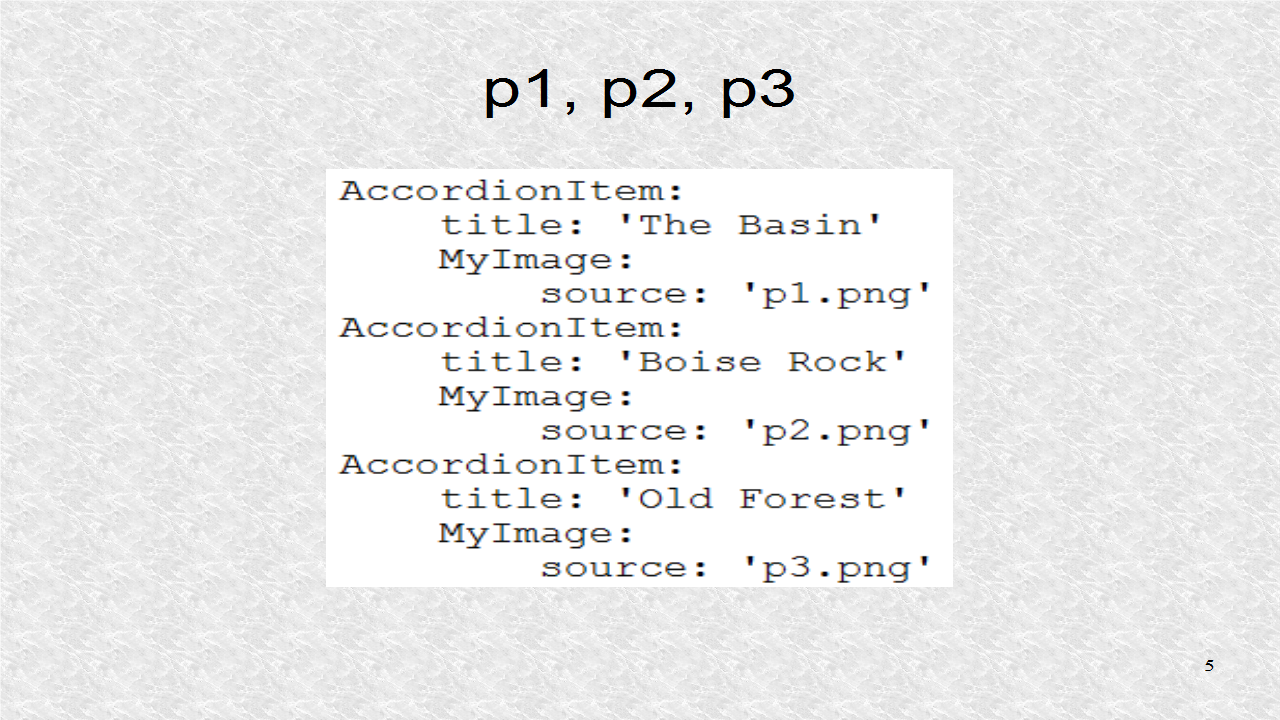
The first 3 screens are the images p1, p2 and p3.
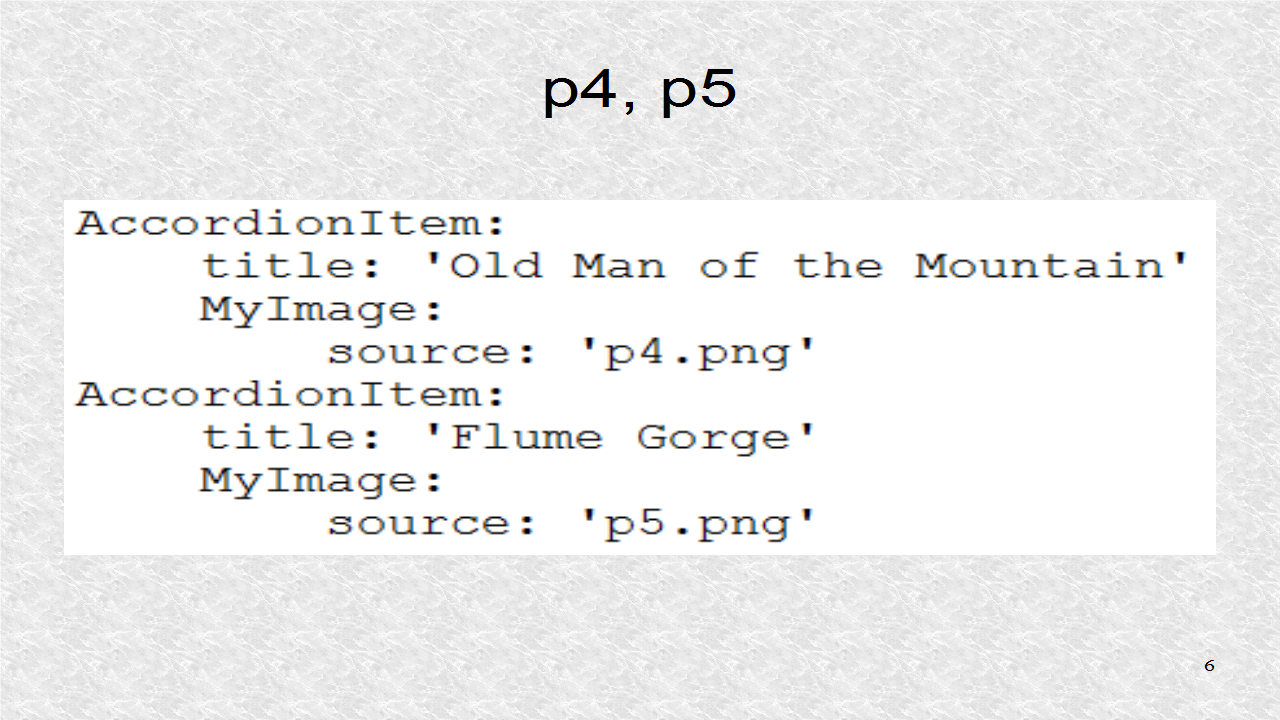
The next 2 screens corresponds to images p4 and p5.
# ex57.kv
<MyImage@Image>:
    keep_ratio: False
    allow_stretch: True

<Ex57>:
    orientation: 'vertical'
    AccordionItem:
        title: 'The Basin'
        MyImage:
            source: 'p1.png'
    AccordionItem:
        title: 'Boise Rock'
        MyImage:
            source: 'p2.png'
    AccordionItem:
        title: 'Old Forest'
        MyImage:
            source: 'p3.png'
    AccordionItem:
        title: 'Old Man of the Mountain'
        MyImage:
            source: 'p4.png'
    AccordionItem:
        title: 'Flume Gorge'
        MyImage:
            source: 'p5.png'
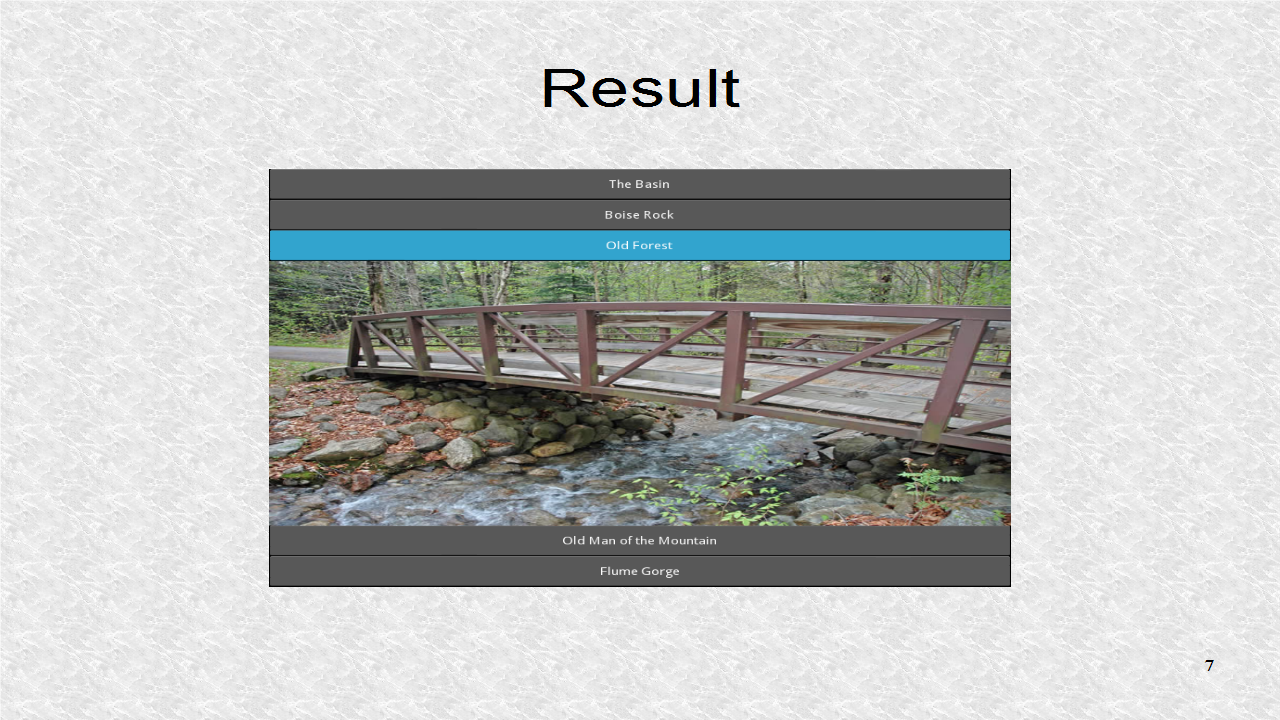
In this result, we select the p3 image. Any widgets, including layouts, could be used for the individual Accordion items. Besides the orientation, we can also change the animation transition effects between different screens.
Subscribe to:
Posts (Atom)